javascript

Travel anywhere in the world

with

Alfareed's

eSIMs!

Unlock instant connectivity: Anytime, anywhere!

Digital Sim Card

Instant delivery


190+ Destination

Global Coverage


Instant Setup

Easy to Use

Travel anywhere in the world​

Explore regional plans​

The easiest way to stay connected

Buy a data plan

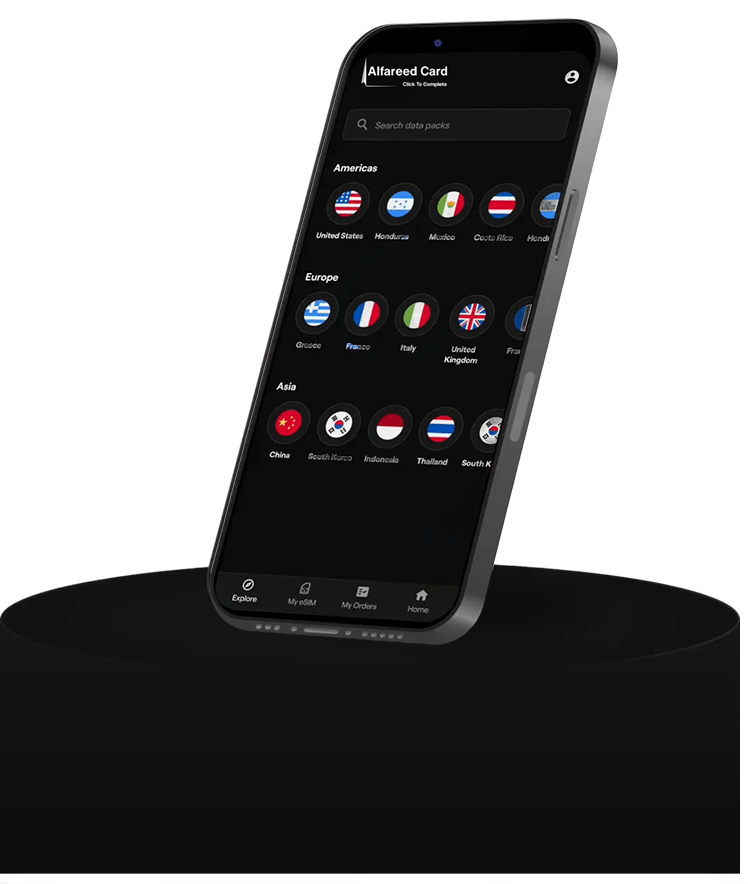
Search for your destination and pick a data picker

Install the eSIM

Easy Installation via QR code

Start your plan

Activate your data plan anytime
Does my phone support

eSIM ?

Search the model of your device to check if it's compatible with eSIM

Frequently asked questions

The eSIM card needs to be installed through your device  Settings outside of the AlFareedCard website.

Once you complete your eSIM purchase on AlFareedCard, you will receive an email with instructions on how to install and activate your eSIM. Simply head over to the email and follow the instructions for installing your eSIM.

Note that internet access is required to download and activate the eSIM profile to your cellular setting. We strongly recommend that you install (not activate) your eSIM on your phone soon after purchase and then wait to activate the plan when you are ready to use it.

To get a detailed insight on how to install and activate your eSIM, you can read the Installation and Activation Guide.

Our plans come with various expiry options, such as seven days, 30 days, 60 days, and more. Selecting a plan with an appropriate expiry period ensures that you have sufficient data for your intended usage duration. You also have the flexibility to add extra data to your existing eSIM before it expires or depletes, avoiding the inconvenience of installing a new eSIM.

On the My eSIM tab of the Alfareedcard website, you can manage your eSIMs and view information such as your data usage, how much data you have left, and how long before your plan expires. Follow the following steps to check the data usage on your eSIM: Go to Alfareedcard website > Go to the My eSIMs page > Choose the data plan you want to check

You should install ( not activate!) your eSIM as soon as you purchase your plan. When you are ready to use the data, you can activate your plan by hitting the “Activate Now” button on the website, or by turning on the phone and starting to use data.

The method for activating data depends on the individual plan and is explained in your installation instructions. In most cases, a stable connection would be required while activating the data, so it is suggested to do it before arriving at your destination. NOTE: Installing and activating the eSIM are two different things.

The plan expires only when you activate it; installing your eSIM beforehand will not cause it to expire.

Presently, iOS permits you to download up to 10 eSIM profiles onto your device. However, only one eSIM profile can be activated at a time. You can switch between active eSIM profiles by navigating to your iOS Settings > Cellular and selecting the desired profile. This functionality provides users with the flexibility to manage multiple eSIM profiles on their device, allowing for seamless transitions between different plans or carriers as needed.

Scroll to Top